There’s a good chance your organization has a password policy that looks something like this: passwords must be at least eight characters, contain uppercase and lowercase letters, a number, and a special character, and be changed every 90 days.
There’s also a reasonable chance your employees have found creative ways to comply with it while doing the least amount of actual work. Summer2024! becomes Fall2024! becomes Winter2025!. Password1 becomes Password2. The exclamation point migrates from the end to the middle. The number increments. The policy is technically satisfied, but the security improvement is effectively zero.
The password policy most organizations are still enforcing was based on guidance that the organization that wrote it has since abandoned. In August 2024, the National Institute of Standards and Technology (NIST) released Special Publication 800-63B Revision 4, updating their digital identity guidelines with significant changes to password requirements. The previous version was officially withdrawn in August 2025.
If your password policy still requires periodic rotation and character complexity rules, you’re following guidance that NIST now says makes security worse.
Why the Old Rules Backfired
The logic behind the conventional password policy seemed sound when it was written. Require enough complexity and passwords become harder to guess. Require regular changes and stolen passwords become useless quickly. In theory, both ideas work. In practice, humans adapted in exactly the ways you’d expect.
These rules led to predictable patterns. “Password1!” became “Password2!” at the next rotation. Users incremented numbers, reused base words, and wrote passwords down, leading to reduced security and increased frustration.
The research on this is unambiguous. Studies conducted at the University of North Carolina showed that when users are forced to change their passwords regularly, they adopt predictable patterns: incrementing numbers and seasonal rotations, such as Winter2024 to Spring2025. An attacker who obtains an old password can often guess the next one because of this predictability.
Complexity requirements have the same problem in a different form. When a system demands uppercase letters, lowercase letters, numbers, and symbols, users don’t generate random strings. They take a word they can remember and apply the minimum transformations the system accepts. The result is a short, predictable password with an exclamation point bolted on the end that cracking tools handle in milliseconds.
Modern hacking tools can crack 96% of common passwords in less than one second. Even minor modifications to obvious passwords provide minimal additional security. The character substitutions that feel clever, like @ for a, 3 for e, ! for I, are exactly the patterns cracking dictionaries are built around.
So the policy designed to enforce stronger passwords consistently produces weaker ones. The policy that was designed to limit the damage from stolen credentials produces passwords that are easier to guess after the fact. And employees who are forced to comply with both simultaneously tend to write their passwords on sticky notes, which brings us back to the physical security blog.
What NIST Says Now
NIST SP 800-63B Revision 4, finalized in August 2025, is a dramatic shift. If your organization still forces employees to change passwords every 90 days, requires a mix of uppercase letters and symbols, or caps password length at 16 characters, you are now officially doing it wrong according to the agency that sets the standard for the entire U.S. federal government and most of the private sector that follows its lead.
The specific changes worth understanding:
- Periodic rotation is prohibited, not just discouraged. Administrators should remove all automatic expiration policies. Passwords should only be changed when there is evidence of compromise.
- Complexity requirements are out. Composition rules are prohibited in the 2025 guidance. A long, memorable passphrase beats a short complex one every time. The “forced” exclamation point at the end of your password is officially retired.
- Length is what matters. NIST now requires that systems accept passwords of at least eight characters and recommends a minimum of 15 characters, with systems allowing passwords of up to 64 characters. A longer password is more resistant to brute-force attacks than a shorter one, with special characters, and is considerably easier for users to remember and type correctly.
- Compromised credential screening is now required. Organizations that must follow NIST guidelines must screen new passwords against databases of known compromised credentials. The question is whether that exact string has already been stolen from elsewhere and is circulating in attackers’ databases.
- Security questions are gone. They were never particularly secure because the answers are largely guessable or discoverable on social media, and the new guidance eliminates them entirely.
The Reuse Problem Nobody’s Talking About Enough
Complexity and rotation get all the attention. The more damaging problem is reuse.
After analyzing over 19 billion passwords exposed in data breaches between April 2024 and April 2025, researchers found that 94% are reused or duplicated across multiple accounts. Nearly every password that gets stolen has already been used elsewhere, which means stealing it once gives an attacker a starting point to attack everything else that person uses the same credential for.
60% of people reuse the same passwords. When an employee’s personal email gets breached, the attacker tries those credentials on the company VPN, the business email account, the cloud storage platform, and every other work system that employee accesses. If the password matches anywhere, the attacker is in, and your organization’s security controls had nothing to do with whether that personal email breach happened.
Stolen credentials appeared as the initial access vector in 22% of all confirmed breaches in the 2025 Verizon DBIR.
The 90-day rotation policy was intended to limit the damage from stolen credentials by causing them to expire. What it actually did was train employees to make minimal, predictable changes that don’t meaningfully interrupt an attacker who already has access. A credential stuffing attack takes seconds. Ninety days of access is more than enough time.
Credential-based attacks are the most common way attackers get into small-business networks. If you want to understand how exposed your environment actually is, beyond just your password policy, MainNerve can help. Let’s talk about what a network assessment would find.
What Works Instead
The good news is that the alternative to a bad password policy is much simpler. It’s also more effective.
You can use passphrases instead of passwords. A passphrase is a string of multiple words, something like “correct-horse-battery-staple” or “purple-mountain-sunrise-desk.” Research shows that longer passwords or passphrases are much more resistant to brute-force and guessing attacks than short, complex passwords. A long passphrase composed of multiple words is harder to crack than “P@ssw0rd!” while being easier for users to remember. Aim for 15 characters or more. Let people create something they can remember without writing it down.
The next thing you can do is deploy a password manager. The real reason password reuse is so widespread is that managing dozens of unique credentials across dozens of accounts is genuinely hard without a tool designed for it. A password manager generates unique, strong credentials for every account and stores them securely so the user only has to remember one master password. Password management reduces the risk of breaches by 30 to 50%. For small businesses, deploying a business-grade password manager is one of the highest-return security investments available, and it costs a fraction of what a single breach would.
Another thing to do is check passwords against known compromised credential lists. Tools that integrate with breach databases flag credentials that have already appeared in known data dumps before they’re accepted into production systems. An employee who tries to set a work password that was stolen in a previous breach gets flagged immediately, regardless of whether that password looks strong by conventional measures. This is more useful than any complexity rule.
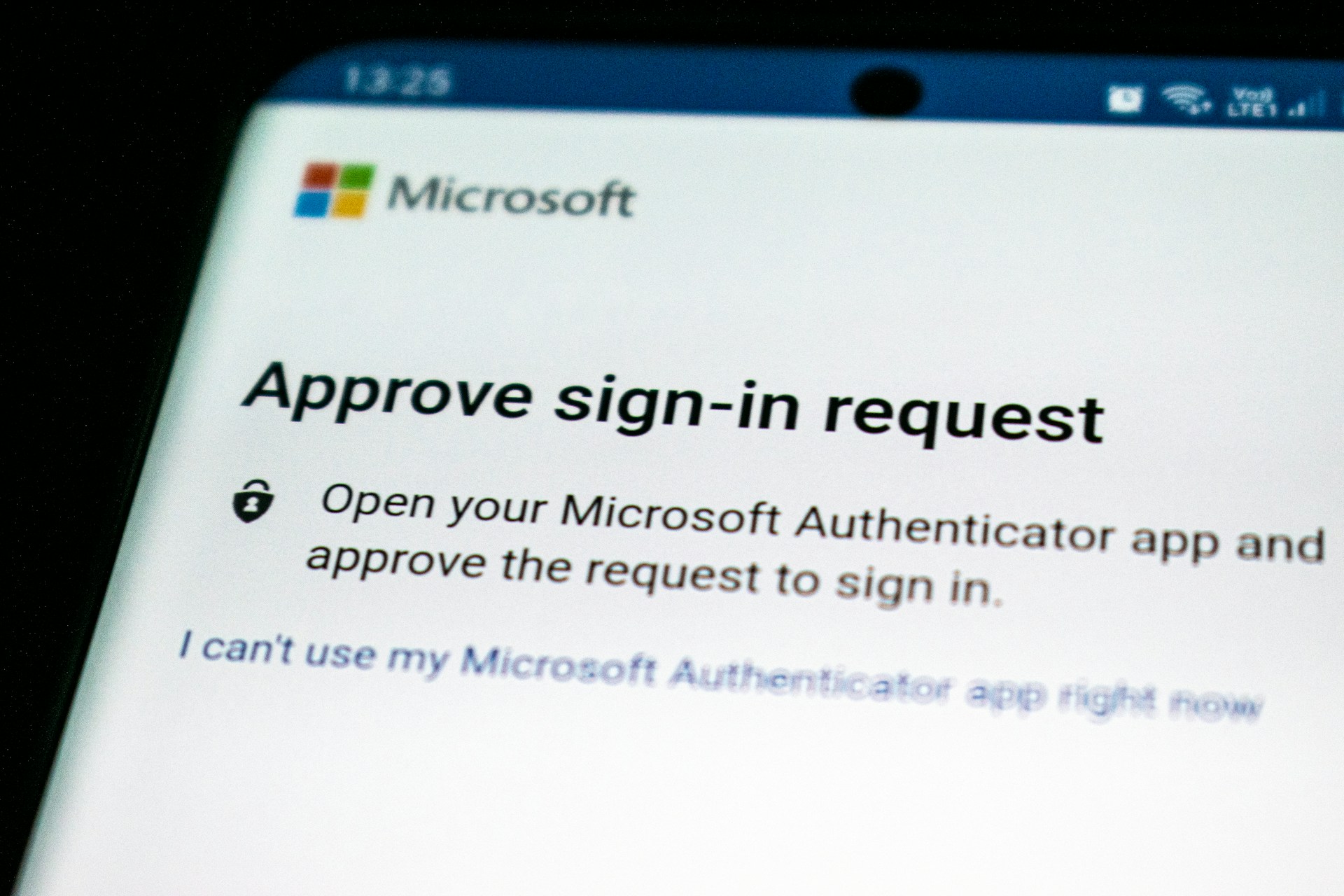
More importantly, make sure to add multi-factor authentication (MFA) everywhere. This is the control that makes weak password policies survivable and strong password policies genuinely robust. MFA stops credential stuffing cold, because a stolen username and password combination is useless without the second factor. If your organization hasn’t deployed MFA across every system that supports it, that’s the single highest-priority item on this list.
The Cybersecurity and Infrastructure Security Agency (CISA) classifies SMS text codes as a “last resort” MFA option, vulnerable to phishing, SIM swap attacks, and interception. Authenticator apps or hardware keys are much stronger. But SMS-based MFA is still significantly better than no MFA at all, so if that’s where you start, it’s at least a starting point.
Finally, only require password changes when there’s evidence of a compromise. That means monitoring for compromised credentials in real time. This is something a password manager with breach monitoring can handle. Then, require immediate changes when credentials appear in a breach database. It does not mean calendar-based rotation, which trains employees to make predictable changes on a set schedule.
Why Organizations Are Slow to Change This
Despite these guidelines being official for over a year, many organizations haven’t updated their policies. Systems still enforce 90-day password rotations. Applications still reject passwords without special characters. Users still create “P@ssw0rd123!” because the system requires it.
The reasons are predictable. Legacy systems with complexity requirements are hardcoded in. Compliance frameworks haven’t caught up to the new NIST guidance. Then there’s always the institutional inertia of “we’ve always done it this way.” And finally, a genuine concern among some security teams that removing complexity requirements signals a relaxation of security standards, when the research shows the opposite is true.
For small businesses specifically, the policy often just hasn’t been revisited since it was written, often years ago by someone who was following conventional wisdom at the time. Updating it doesn’t require a major project. It requires acknowledging that the conventional wisdom was wrong, and removing the rotation requirement, setting a reasonable minimum length, deploying a password manager, and adding MFA wherever it’s not already in place.
None of that is complicated. All of it is more effective than what most small businesses are currently doing.
If you want to understand how credential-based vulnerabilities manifest in your environment and what an attacker could do with stolen credentials within your network, we can help you with that. That’s exactly what an internal penetration test is designed to reveal. MainNerve has been helping organizations understand their real security posture for over 20 years. Set up your free consultation today.