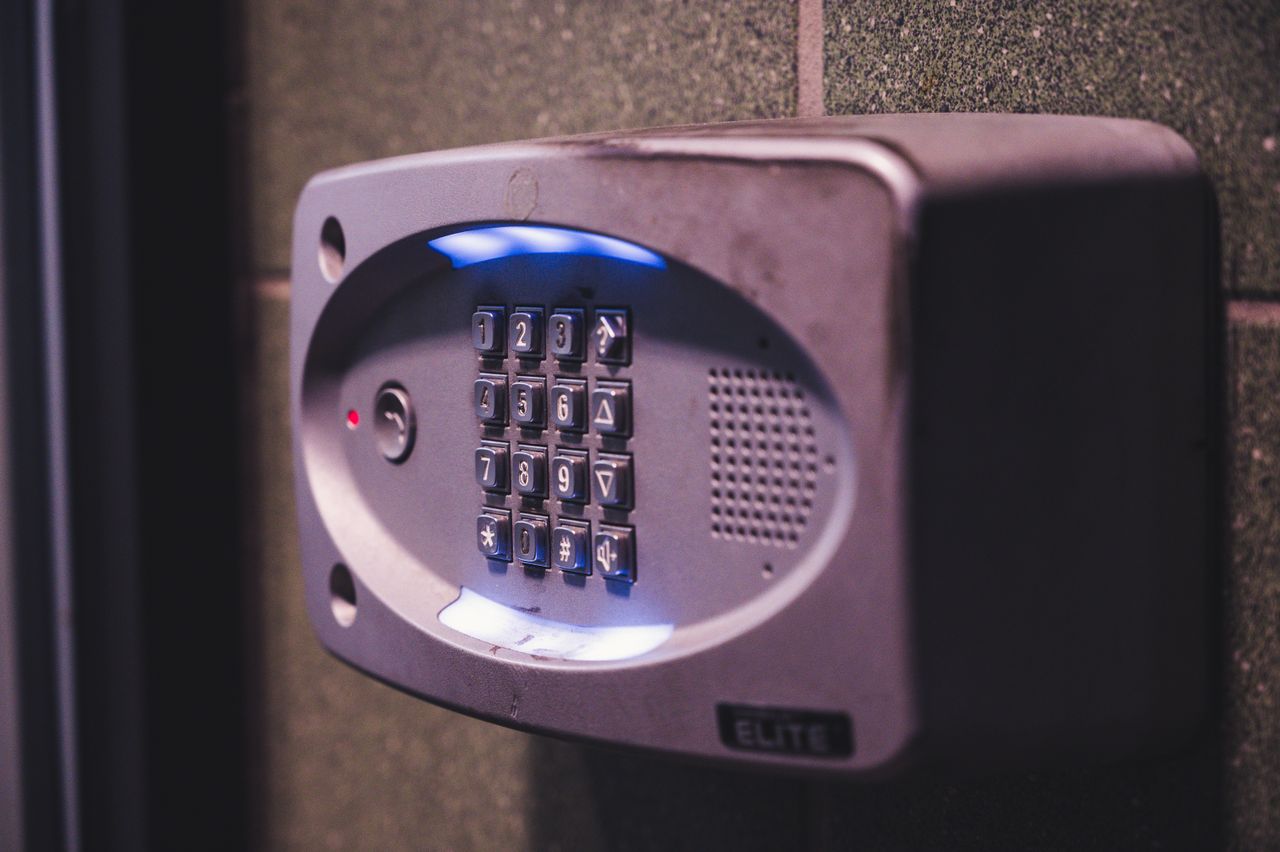
Most people imagine cybersecurity threats arriving through the internet, like a phishing email, a brute-forced password, or ransomware from a malicious link. But some of the most direct paths into an organization’s systems don’t require any hacking at all. They just require walking through the front door.
An attacker who can sit down at an unlocked workstation for 60 seconds has more access than one who spends hours trying to crack your firewall. And the physical environment of most small business offices is, to a trained eye, full of things that shouldn’t be there.
Here’s what a pen tester, or a prepared attacker, notices within the first ten minutes of walking into a typical SMB office.
The Front Door
Before anything else: how hard is it to get inside without being authorized?
In most small offices, the answer is, “not very.” Tailgating, which is following an authorized employee through a secured entrance without presenting credentials, is one of the most reliable physical attack techniques. If you look like you belong and time it right, most people will hold the door. Nobody wants to be rude.
What a tester looks for at the entry point: Is there a physical barrier between the lobby and the working area, or does the front door open directly into the office? Does the badge reader control access, or has someone propped the door open with a chair because it’s inconvenient? Is there a second door between reception and the server room, or does getting through the first door get you everywhere?
In most small offices, there’s one door. Getting through it gets you to everything.
The Reception Desk
The reception area is usually the most information-rich spot in the building.
Visitor logs left face-up on the desk reveal which vendors and clients have been in the building. A whiteboard visible from reception might show a project schedule or client list. A sticky note on the monitor, and there is almost always a sticky note on the monitor, might have a password, an alarm PIN, or the Wi-Fi code written on it.
Physical access to a password grants digital access to everything it unlocks, including systems that can be accessed remotely long after the visitor has left. And if the receptionist steps away briefly without locking their screen, five minutes at that terminal can yield significant network access.
Unlocked Screens Throughout the Office
Walk the floor of most small business offices, and you’ll find workstations that are unlocked and unattended. Someone stepped away for a meeting, and another went to the printer. Their computer is still logged in, screen on, email open, with the CRM, the accounting system, and the shared drive open.
A workstation left open gives an intruder the ability to access sensitive data, install something malicious, and leave before the employee returns. There’s no technical skill required. Just an opportunity, which unlocked screens provide constantly.
Screen lock policies, where a workstation locks automatically after a few minutes of inactivity, are the straightforward fix. Employee habits are the harder part.
The Printer in the Corner
Two problems with office printers, and most small businesses have both.
The obvious one: documents sitting in the tray. Client contracts, financial statements, employee records, health information — anything printed and not immediately retrieved is visible to anyone who walks past.
The less obvious one: the printer itself is a networked device, and most small businesses have never changed its default administrative password or updated its firmware. A compromised printer can intercept print jobs, execute malicious code, or be used to attack other systems on the network. It sits in the corner, quietly connected to everything, largely forgotten by the IT checklist.
Wondering what a tester would find in your environment? MainNerve has been uncovering digital vulnerabilities for over 20 years. Let’s have a conversation.
Badge Access That Doesn’t Control Access
Many small businesses have badge systems and feel secure about them. A tester immediately asks different questions.
Who has active badges? Former employees are one of the most consistent gaps we see. Digital accounts get disabled, but badge access gets forgotten. In many small businesses, the badge system hasn’t been audited in years.
Beyond that, does the badge system enforce access control at every sensitive point in the building, or only at the front door? The server room, the network closet, and the HR filing room are often protected by nothing more than a standard key lock, or no lock at all.
The Server Room and Network Closet
Physical access to network infrastructure bypasses every perimeter control protecting your environment from external threats. A small device plugged into a network port inside an unlocked closet, by someone who was in the building for twenty minutes, can give an attacker persistent remote access long after they’ve gone.
Most small-business network closets are either locked with a basic key lock without an access log, or not locked at all. Sometimes the door is propped open for ventilation.
Visible Information That Shouldn’t Be Visible
A trained observer accumulates information from surfaces most employees stopped noticing years ago. This can include an org chart showing who reports to whom, a screen visible from the lobby during a video call, a filing cabinet left open, and a visitor badge from last week still sitting in the bowl by the door.
Individually, none of it is dramatic. Together, it forms a picture. The org chart tells an attacker who the CFO is. The badge on the desk tells them the badge format. The unlocked screen at reception tells them what email client the company uses. That combination makes social engineering and follow-on attacks significantly easier to execute.
Social Engineering: The Human Layer
A person in a polo shirt carrying a clipboard who says they’re there to check the network switch gets access to places a random visitor wouldn’t. A delivery person with a package gets waved through because stopping them feels obstructive. A person who says they’re from the copier company gets five minutes alone in the office while someone goes to find the manager.
The organizations that handle this well aren’t staffed by suspicious people. They have clear procedures for verifying vendor identity and a culture where asking for ID is normal rather than confrontational. Most small offices aren’t there yet, and helpfulness wins almost every time.
Physical security gaps are often the fastest path into your network. If you want to know what someone would find walking through your office, start by walking it yourself with fresh eyes. And if the digital side is what you want professional help with, we’re glad to have that conversation.
What To Do With This Information
Most of what a pen tester notices in a typical small business is fixable with policy changes and habits, not major investment.
Lock your screens when you walk away. Change the default password on your printer and every other networked device. Audit your badge access list annually and every time someone leaves. Implement pull printing so that documents print only when the employee is at the printer to collect them. Lock the network closet. Brief your team on how to handle unrecognized visitors, not with paranoia, but with a simple verification procedure.
None of these require a security team. They require deciding that physical security is part of the conversation.
The connection between physical and digital security runs in both directions. A tester who finds an unlocked screen can put a device on your network in under a minute. From that point, the physical visit is over, and the digital attack has begun, and your firewall has no idea anyone is inside.
MainNerve doesn’t offer physical penetration testing, but the vulnerabilities in this post are real, and most of them don’t require a security firm to fix. Walk your own space with fresh eyes. Check what’s visible from the front door. Look at what’s in the printer tray. Ask whether your badge access list has been audited since your last round of departures.
If the digital side of your security posture is what you want a professional set of eyes on, that’s where we come in. MainNerve has been conducting network penetration tests and security assessments for over 20 years. Set up your free consult today.